واجهة برمجية / خادم
متوسط
WinLogosheet
WinLogosheet
A Windows desktop application for automated hourly logsheet management at electrical power substations. It captures SCADA screen readings via OCR, validates the data, and exports a completed daily logsheet to Excel or print.
Features
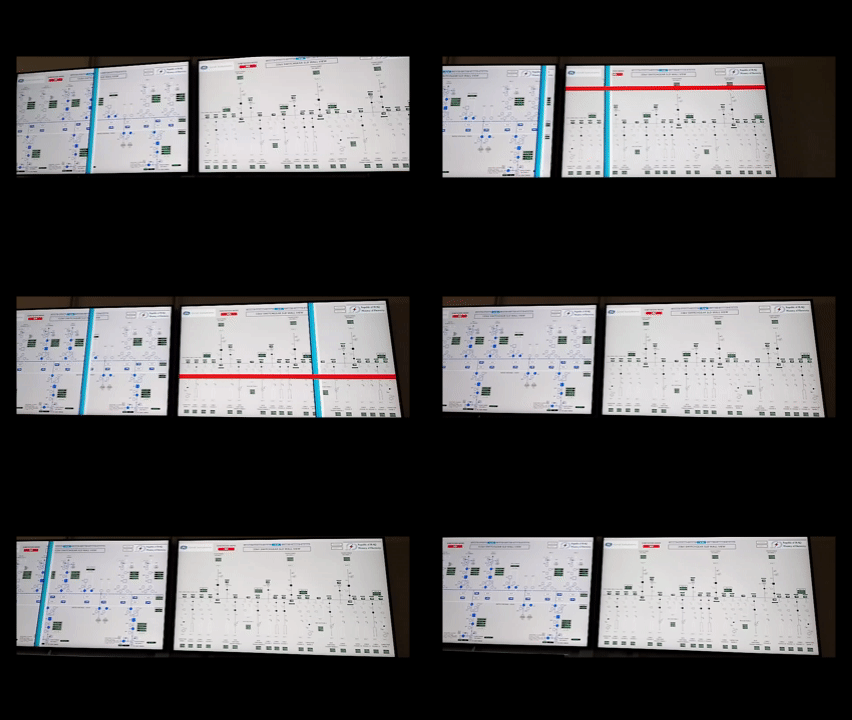
Automated screen capture — registers a Windows Task Scheduler job that screenshots the SCADA display at minute :02 of every hour (08:00–24:00).
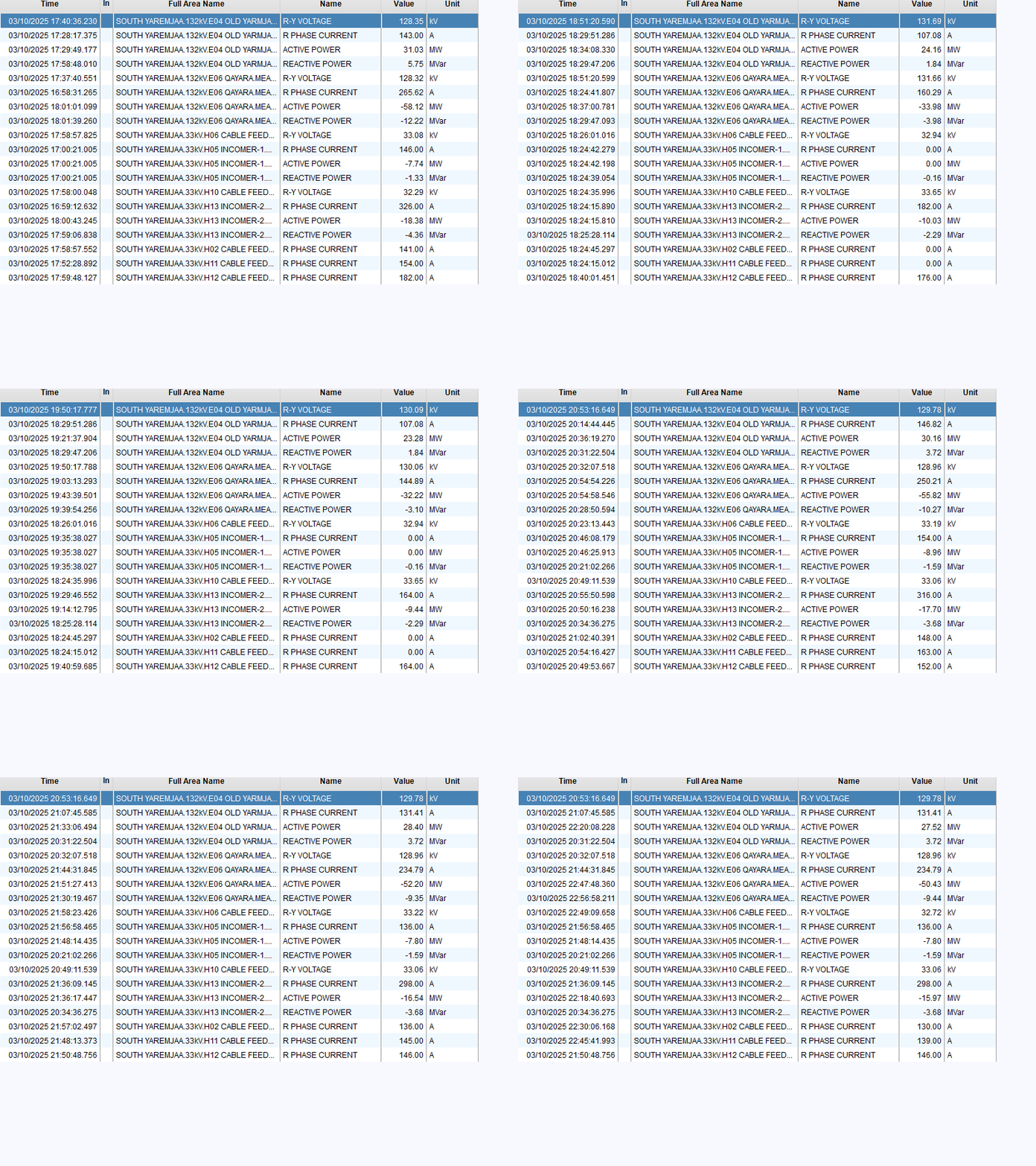
OCR extraction — uses Tesseract OCR to read numeric values (KV, A, MW, MVAR) directly from each screenshot.
Hourly data grid — color-coded ListView showing all 24 hourly readings across six substation sections.
Real-time validation — cells are highlighted automatically:
Red — missing value in a row that has other data
Orange — abnormally high reactive power (|MVAR| > 100)
Yellow — suspect reading (voltage out of range, negative current, overload)
Manual correction — select any hour, view its source image, and edit values in the text boxes.
Excel export — fills the official Exact_Substation_Log_v4.xlsx template and creates an automatic backup.
Print preview — generates a formatted logsheet with coordinate-calibrated layout, blocked until all validation issues are resolved.
Section visibility toggles — show/hide individual substation groups (Yarmja, Qayra, T1, T2, T3, Feeders).
Substation Sections
Group Columns Bus Voltage Measurements
Yarmja 1–4 132 kV KV, A, MW, MVAR
Qayra 5–8 132 kV KV, A, MW, MVAR
T1 9–12 33 kV KV, A, MW, MVAR
T2 13–16 33 kV KV, A, MW, MVAR
T3 17–20 33 kV KV, A, MW, MVAR
Feeders (Domez, Summer, Salam 1, Salam 2) 21–24 — WM (MW)
Requirements
Windows 10/11
.NET Framework 4.8
Tesseract OCR installed
Release build expects tessdata at C:\Users\DCS_User\AppData\Local\Programs\Tesseract-OCR\tessdata
Debug build expects C:\Program Files\Tesseract-OCR\tessdata
Microsoft Excel (for the Excel print path via Interop)
The Excel template file Exact_Substation_Log_v4.xlsx placed next to the executable
Getting Started
Clone or download the repository.
Open WinLogosheet.sln in Visual Studio 2019 or later.
Restore NuGet packages (EPPlus, Tesseract, TaskScheduler, Microsoft.Office.Interop.Excel).
Build the solution (Release for production).
Copy Exact_Substation_Log_v4.xlsx into the output directory alongside the .exe.
Run the application. On first launch, click Start Task to register the hourly screenshot scheduler.
How It Works
Every hour at minute :02, a scheduled VBScript (screencap.vbs) captures a fixed screen region and saves it as Screenshots-YYYY-MM-DD\HH.png.
The application loads each PNG, runs Tesseract OCR on a pre-processed (grayscale → 2× scale → Otsu binarization) version, and populates the data grid.
The operator reviews each hour, corrects any OCR errors, and uses Copy from Previous/Next for unchanged hours.
At hour 24, the Print button becomes active. It runs a full validation pass — if any issues remain, it shows a detailed error list (in Arabic) and blocks printing.
Export to Excel writes all rows into the day's sheet inside the monthly workbook and saves a backup copy.
Dependencies
Package Version
EPPlus 8.3.1
Tesseract 5.2.0
TaskScheduler 2.12.2
Microsoft.Office.Interop.Excel 16.0
2026-04-20 21:01
C#